 View Cart



R3aktor Support Package Installation
Table of Contents
Modified: June 9, 2024
Preferences
Open the Arduino IDE
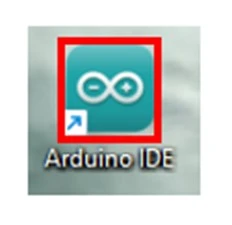
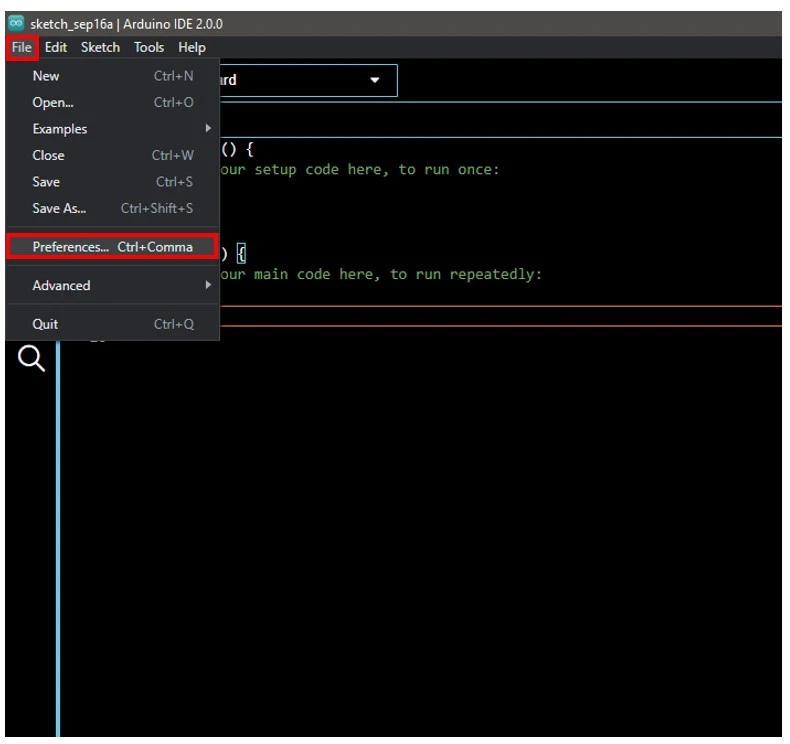
Select File -> preferences.
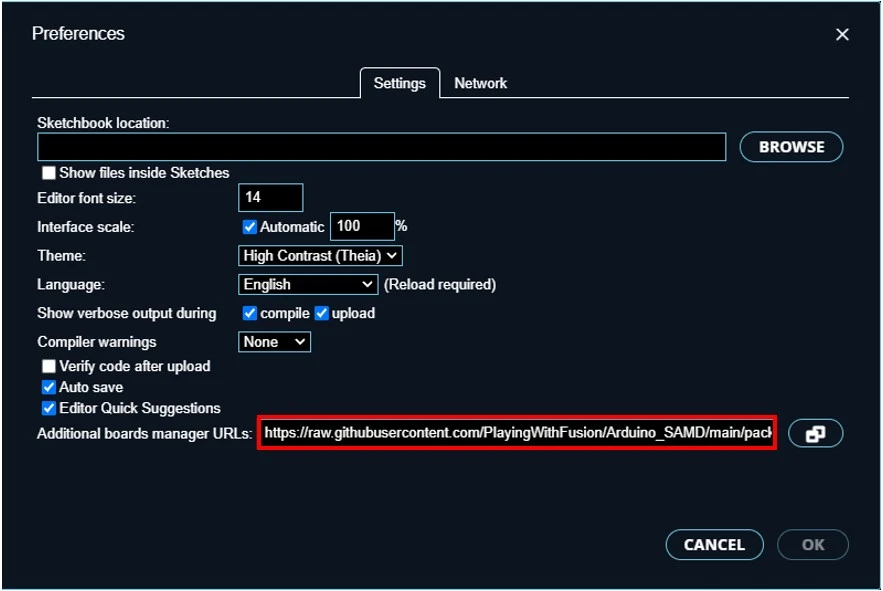
In the box labeled Additional boards manager URLs, paste this link:
https://raw.githubusercontent.com/PlayingWithFusion/Arduino_SAMD/main/package_pwfusion_samd_index.json
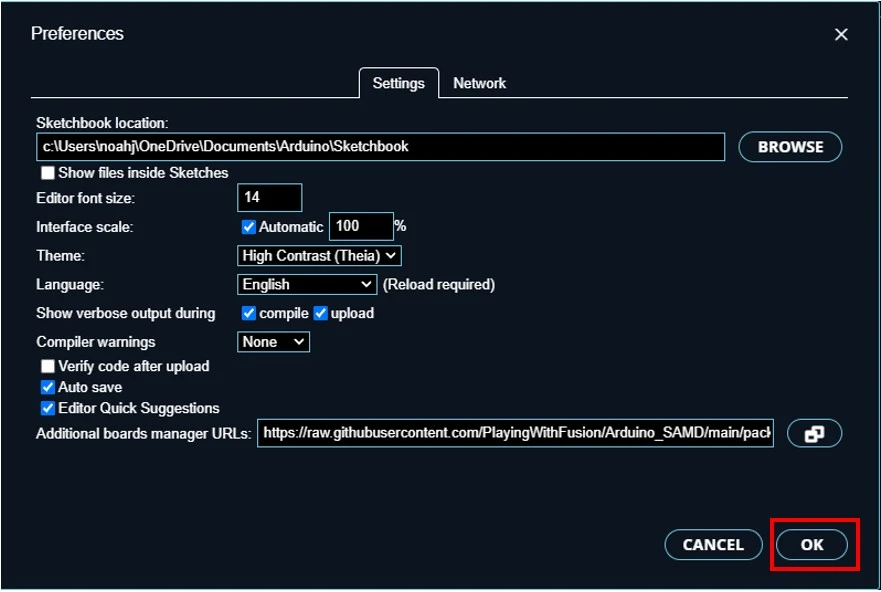
Select OK to close the preferences window.
Boards Manager
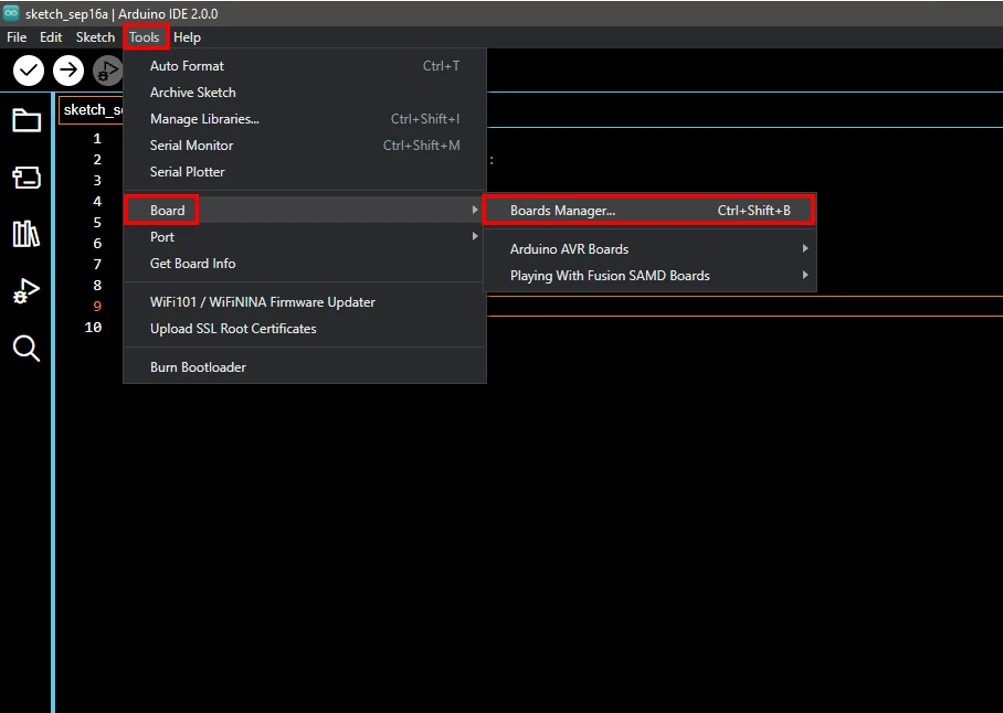
Select Tools -> Board -> boards manager...
In the search box, type playing with fusion
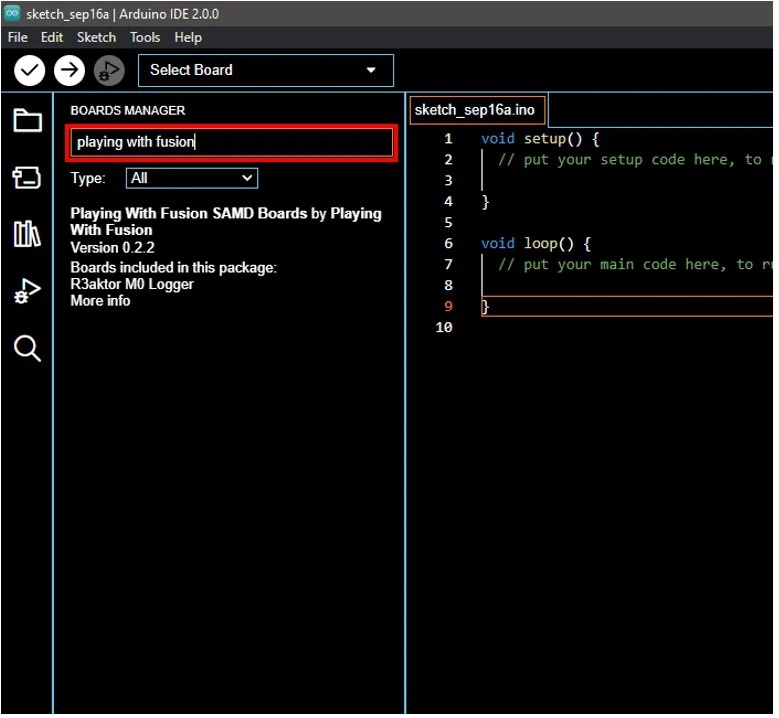
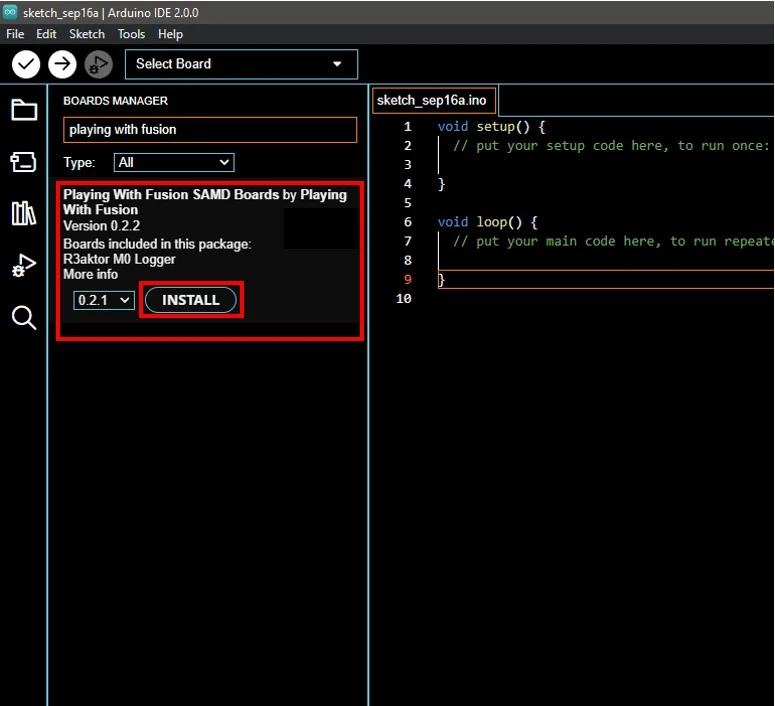
Hover your mose over Playing With Fusion SAMD Boards by Playing With Fusion. Select Install and wait for the process to complete.
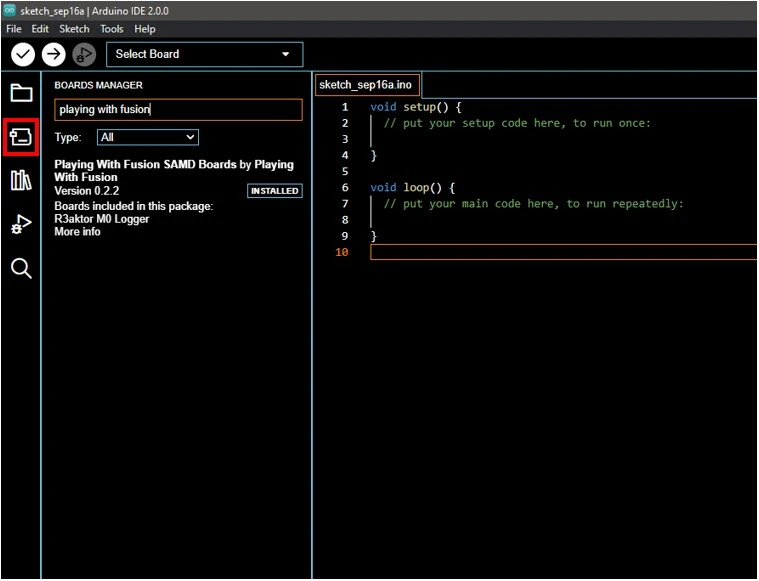
Select the boards manager icon on the left-hand side to close the boards manager panel.
Verification
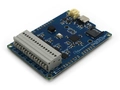
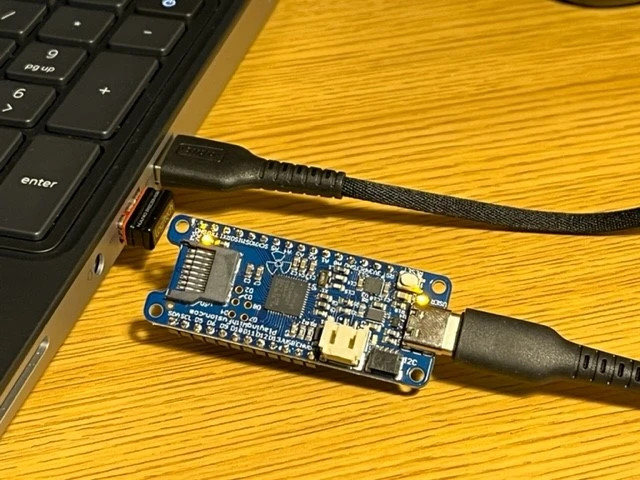
Connect your R3aktor to your computer via USB-C cable.
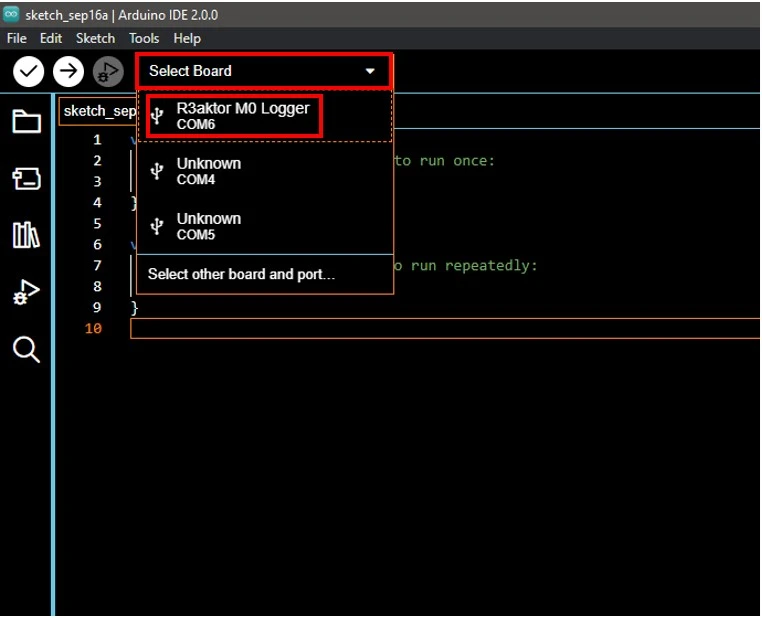
In the Arduino IDE, select Select Board -> R3aktor M0 Logger. The COM port number will differ from device to device.
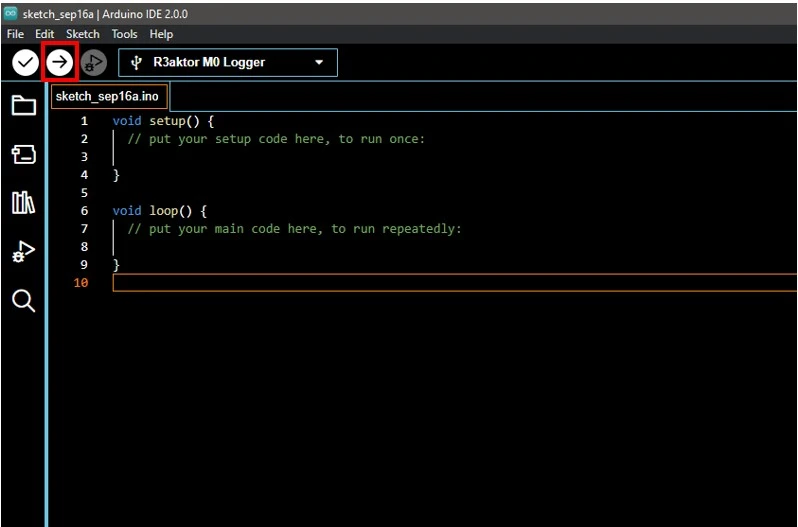
In the top left, select the Upload icon (the right facing arrow) to upload an empty sketch and verify everything is working properly.
Related Files
No related files.
External Links
No related links.